Welcome to Kodeno - Admin Documentation
Welcome to the Kodeno administrator documentation. This guide is designed for platform administrators who manage the Kodeno ecosystem, users, equipment types, and system configuration.
What is Kodeno Admin?
As a Kodeno administrator, you have complete access to manage:
- Platform configuration: System-wide settings and parameters
- User management: Create and manage all users and permissions
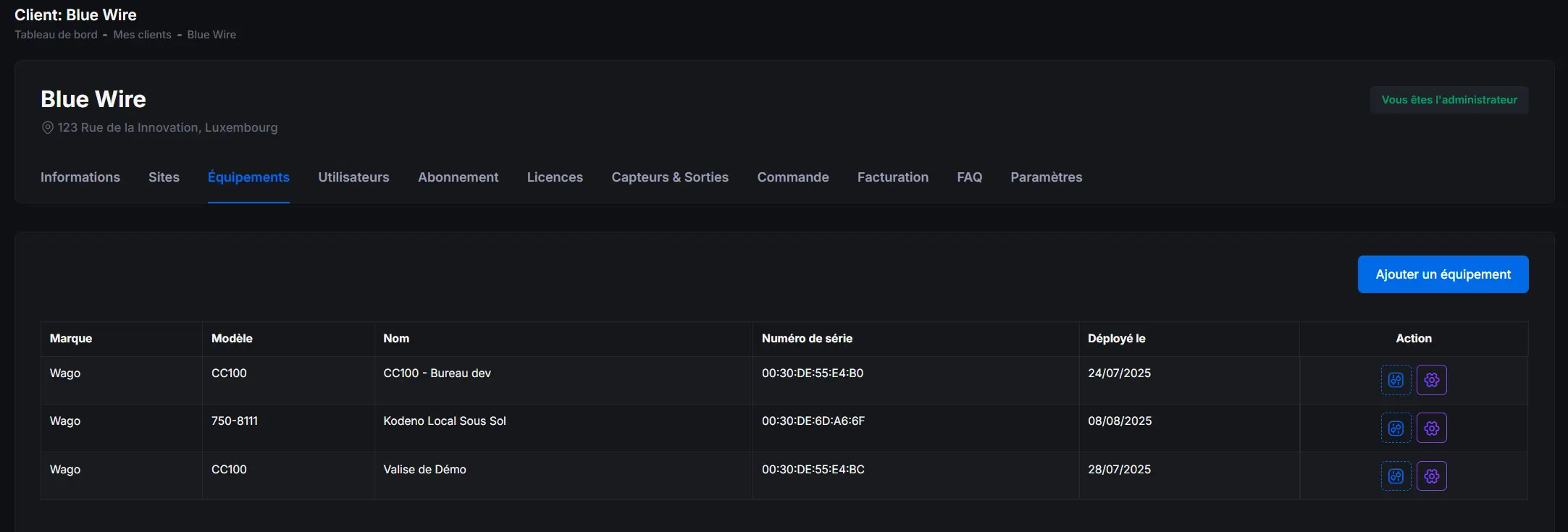
- Equipment types: Define and configure equipment models
- Module types: Manage extension modules
- Sensor/Output types: Configure available I/O types
- E-commerce: Manage product catalog and sales
Administrator Role
As a Kodeno administrator, you have access to:
🏠 Dashboard
Platform overview with global statistics and monitoring.
🔧 Equipment Management
Administer all equipment across the platform.
👥 User Management
Create and manage all user accounts and permissions.
🏢 Client Management
Oversee all client organizations and their settings.
📦 Equipment Types
Define and configure PLC models and their capabilities.
🔌 Module Types
Manage extension module definitions and compatibility.
📊 Sensors
Configure sensor types and their specifications.
🎛️ Output Types
Define output types and their characteristics.
🛒 E-commerce
Manage product catalog, pricing, and sales.
Getting Started
If you're new to Kodeno administration, we recommend:
- Review the Dashboard for a platform overview
- Understand user management and permissions
- Learn about equipment types configuration
- Familiarize yourself with client management
Use the sidebar menu to navigate between different sections of the admin documentation.
Administrator Responsibilities
As a platform administrator, you are responsible for:
- System configuration: Maintaining platform-wide settings
- User support: Assisting users with access and permissions
- Equipment management: Ensuring proper equipment type definitions
- Data integrity: Monitoring and maintaining system health
- Feature deployment: Enabling new features and modules
Subscription Management
Kodeno offers several subscription levels:
| Feature | Free | Basic | Premium |
|---|---|---|---|
| Real-time supervision | ✅ | ✅ | ✅ |
| I/O configuration | ✅ | ✅ | ✅ |
| Time schedules | ✅ | ✅ | ✅ |
| Scenarios | ❌ | ❌ | ✅ |
| Historical analysis | ❌ | ✅ | ✅ |
A Demo subscription is available to test all Premium features for a limited time.
Best Practices
- Regularly review system logs and monitoring
- Keep equipment type definitions up to date
- Maintain clear documentation for custom configurations
- Implement proper backup and recovery procedures
- Monitor user activity and access patterns