Hypervision
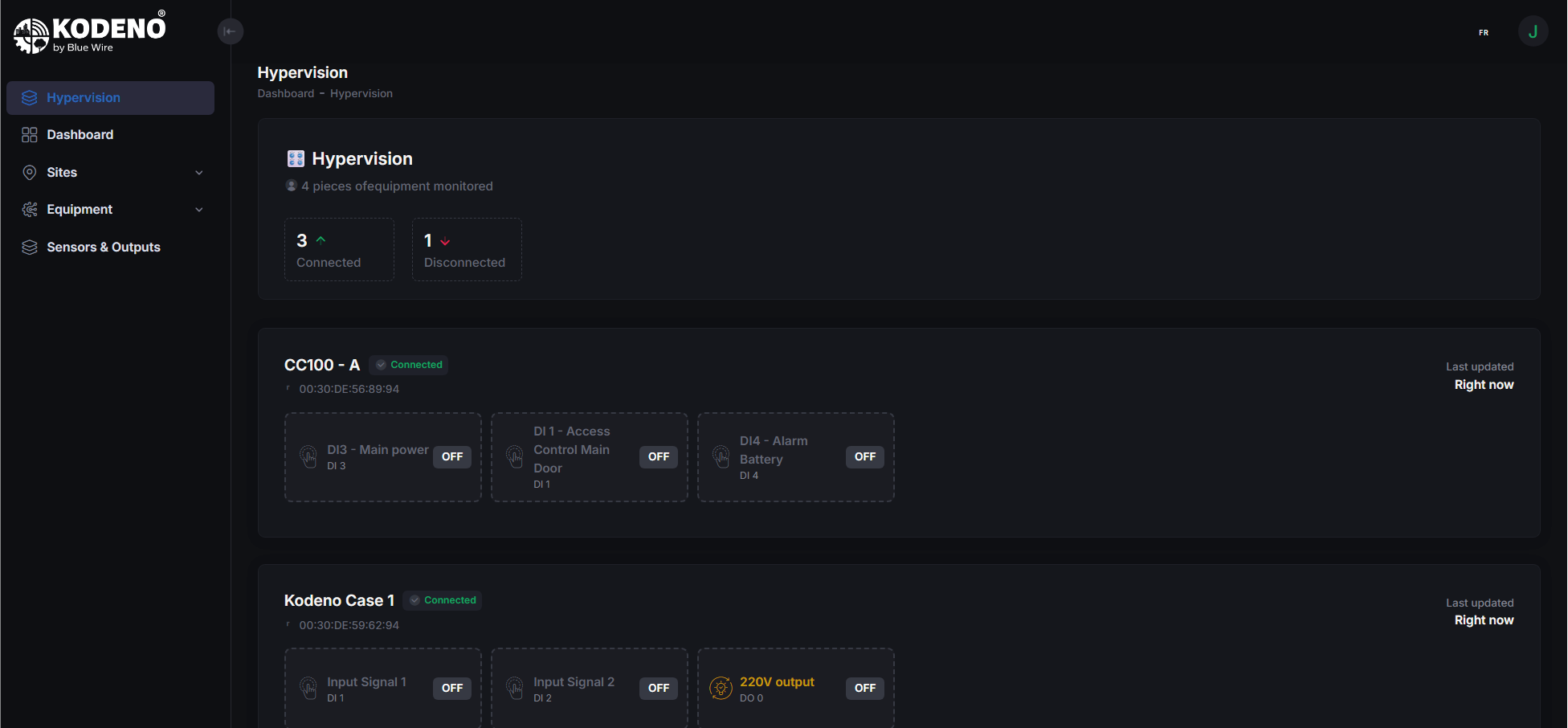
Hypervision is a real-time overview of all your equipment. It lets you monitor your entire fleet from a single interface.
Overview
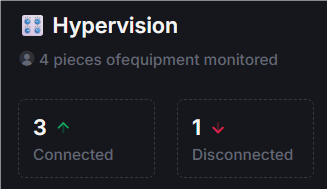
The Hypervision screen shows:
- Total number of equipment in your organization
- Number of connected equipment (online)
- Number of disconnected equipment (offline)
How to access Hypervision
- Sign in to Kodeno
- Click "Hypervision" in the side menu
Availability
Hypervision is available to customer users. Installers may have a different view.
Equipment cards
Each equipment is shown as a card with:
General info
- Equipment name
- Connection status (online / offline)
- Last message received (timestamp)
Displayed values
Cards show simple, user-friendly values in real time:
- ON/OFF states for binary items (e.g. door sensor)
- Numeric measures with units (e.g. temperature, level)
- Clear icons and labels for each item
Quick actions
- Control some functions directly from the card (e.g. turn on/off)

Empty state
If you have no equipment configured, the screen shows instructions to add your first device.
Data refresh
Data updates automatically in real time. You do not need to reload the page to see the latest values.
tip
The connection indicator shows if your equipment is communicating correctly. An "offline" status usually means a network or power issue.
Navigate to equipment
From Hypervision you can open an equipment dashboard:
- Find the equipment card
- Click the card or access button
- You are taken to the equipment dashboard