Dashboard
The dashboard is the home page of your Kodeno space. It gives a compact overview of your account: alerts, statistics, and quick access to your sites and equipment.
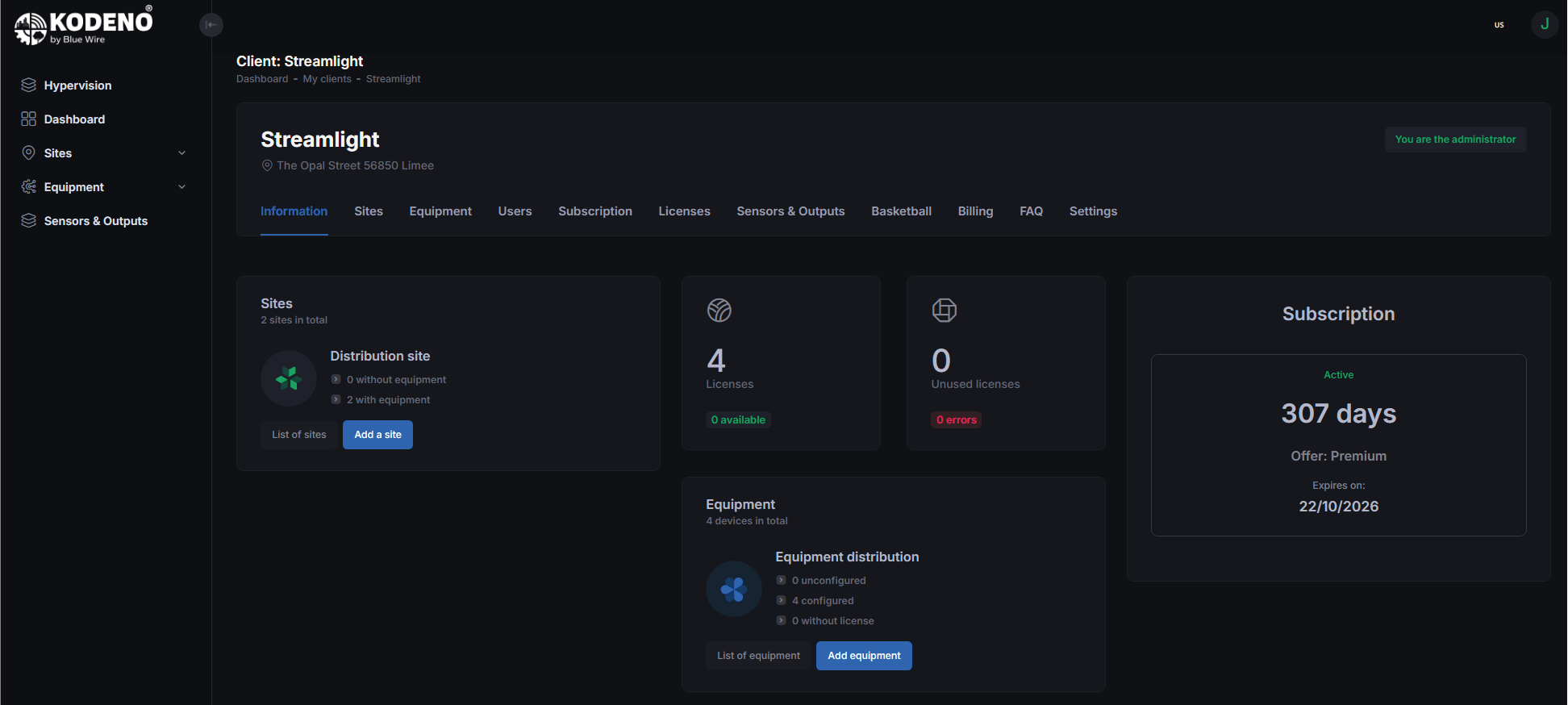
How to access
You can reach the dashboard:
- Automatically after sign-in
- From the side menu by clicking "Dashboard"
- By clicking the Kodeno logo
Dashboard contents
Alerts and notifications
The alerts section informs you about important events:
- Disconnected equipment — devices that stopped communicating
- Expiring subscription — reminder when your plan is nearing expiration
- Missing licenses — equipment requiring a license
Global statistics
Quick overview of your fleet:
- Active sites
- Deployed equipment
- Equipment online / offline
- Current subscription and remaining days
Quick access
From the dashboard you can open:
- Your sites to view equipment by location
- Your equipment for configuration and monitoring
- Your subscription to manage your plan
- Your users to manage access

Subscription status
The dashboard shows your subscription status clearly.
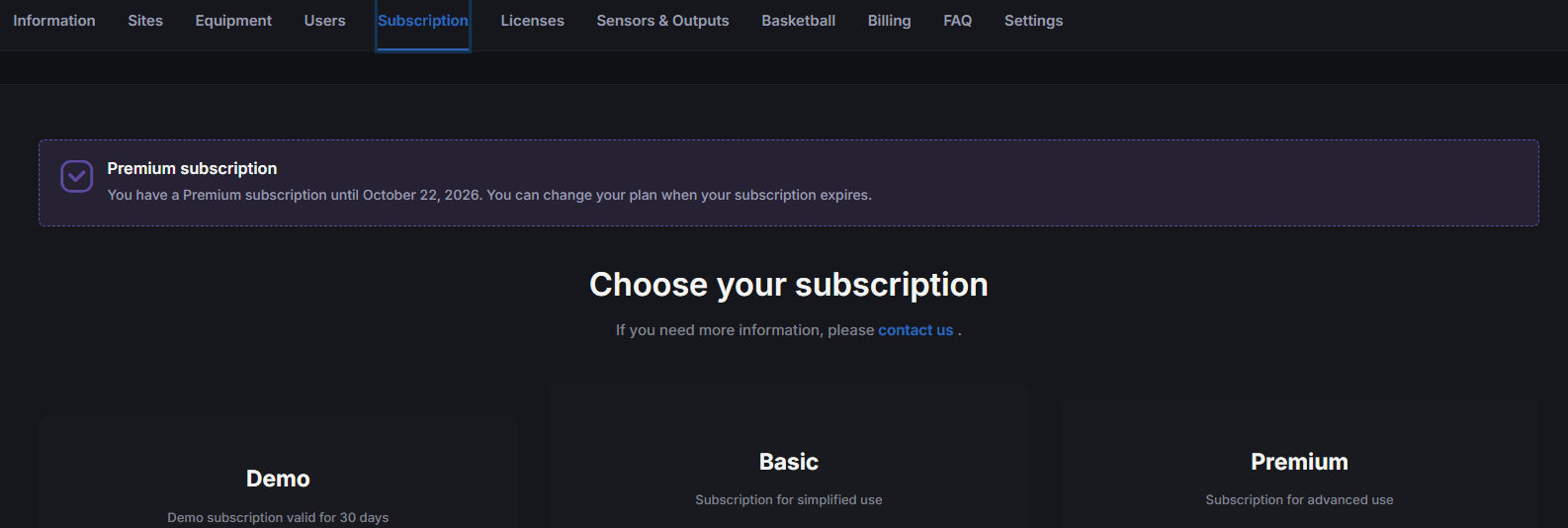
Active subscription
- Badge showing plan type (Free, Basic, Premium)
- Days remaining
- Expiration date
Expiring soon
- Warning if less than 30 days remain
- Renew button
No subscription
- Alert message
- Invitation to subscribe
Actions from the dashboard
Create a new site
- Click "New Site"
- Fill in the site information
- Save
Add equipment
- Click "New Equipment"
- Choose the equipment type
- Enter the serial number
- Optionally assign it to a site
Personalization
The dashboard adapts to your role:
- Standard user: View own sites and equipment
- Client admin: Full view with user management
- Installer: View across clients
tip
Check your dashboard regularly to stay informed about alerts and equipment health.